Showcase
Five looks. Any colour. Your name.
Every panel’s storefront is its owner’s brand — never ours. Here are the five looks on the public demo store; below, try your own name and colour.
The five looks
Same store, five personalities.
A merchant’s storefront — the public demo store as “Zuri Boost”, Glass look (sample name)
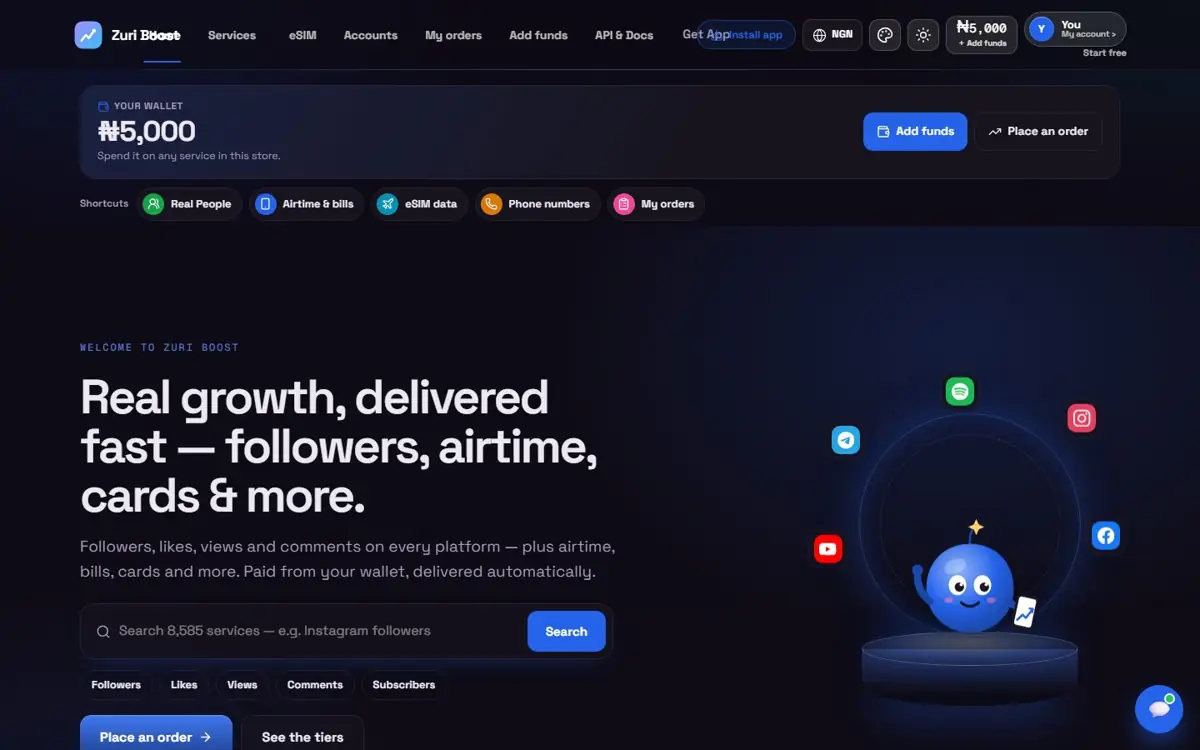
Glass — one of five looks. Each takes your own colour, logo, banner and text; these renders use sample names on the public demo store.
Start
Open Ada Boosts — your colours, your look.
.mysocials.store
Your colour — any colour; these are a few presets
Your look · swipe →
Open my panel — freeA preview — nothing is reserved here; you choose your name and address when you sign up. The demo screens on this page use the Royal blue preset; your store uses whatever you choose.
In your admin
Brand it while you watch.
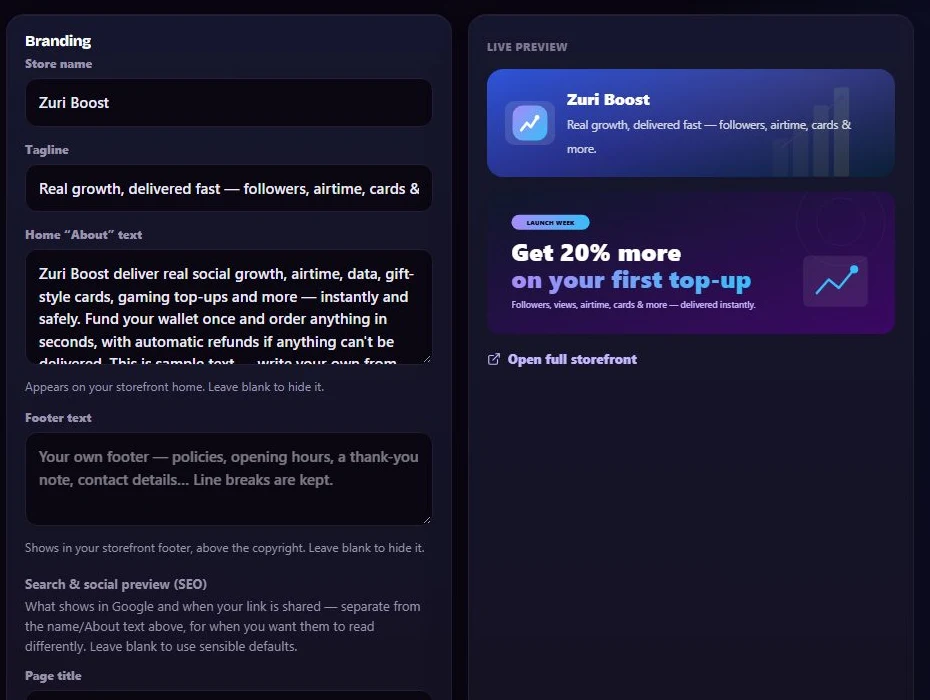
Your admin — demo panel
Actual size
Your brand, live as you type
- Name, logo, banner, colours and a look
- A live preview while you edit
- Your own home-page text